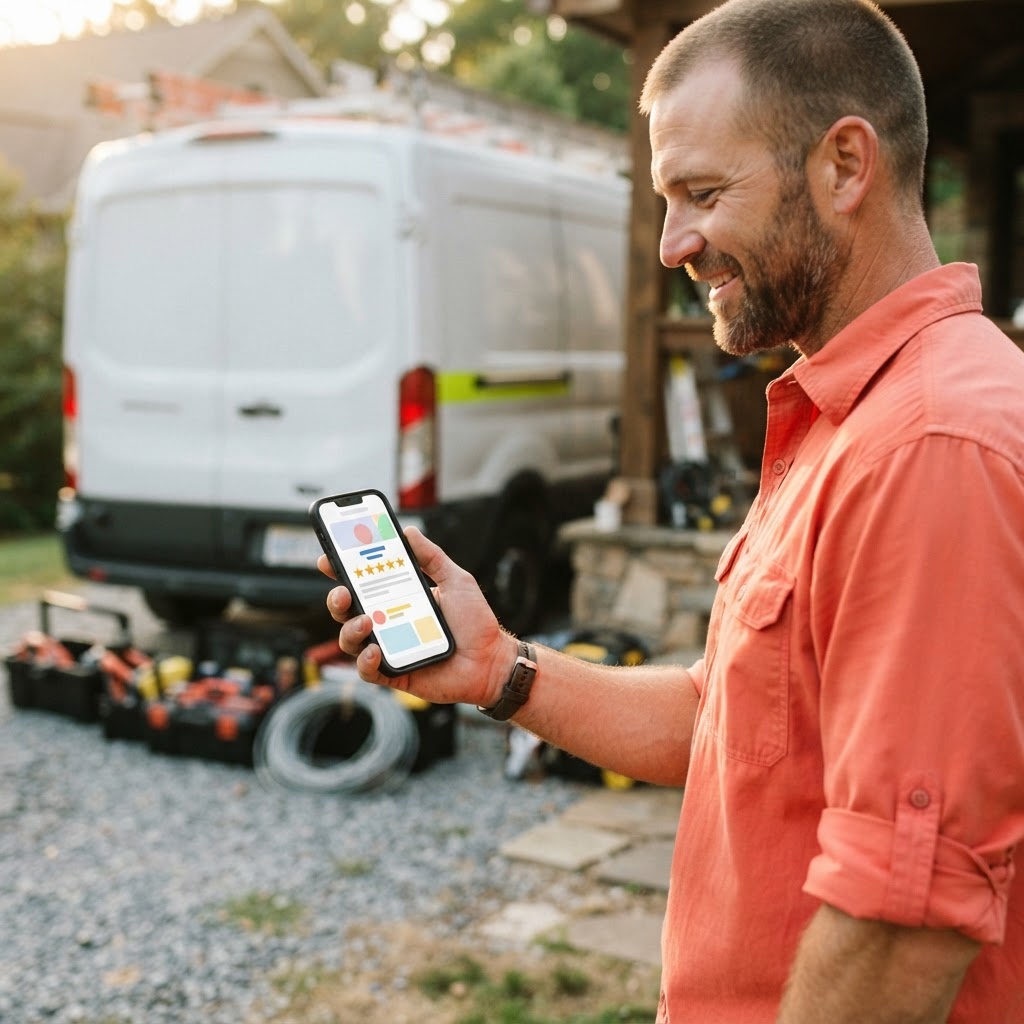
You just finished a long day. The truck is loaded, the invoice is sent, and you are ready to head home. The last thing on your mind is pulling out your phone to awkwardly ask a customer for a Google review. You know you need them—you see your competitors popping up at the top of the search results with dozens of five-star ratings while you are stuck fighting for visibility—but asking feels like one more chore on an already overflowing plate.
The reality is that your customers are happy to leave a review, but they are just as busy as you are. If you do not make it incredibly easy for them, they will forget. And if you do not have a system to handle this, you are leaving your online reputation to chance. You do not need a marketing degree or a dedicated office manager to fix this; you just need a process that runs in the background while you focus on the actual work.
Why Your Reputation Is Your Best Salesperson
When a homeowner searches for a plumber or an HVAC tech, they are not looking for the company with the flashiest logo. They are looking for the company that looks reliable. According to industry data, roughly 91% of consumers read online reviews to determine the credibility of a local business. When your Google Business Profile is stagnant, you are essentially telling potential customers that you are either too busy to care or, worse, that you might not be in business anymore.
Think of your Google reviews as a digital handshake. A steady stream of recent, positive feedback tells Google that you are active and trustworthy, which helps you rank higher in local searches. It is the difference between being the first call a customer makes and being the company they never even find.
The Frictionless Review System
The biggest mistake most owners make is relying on memory. If you wait until you get back to the office to send a text or email, the moment has passed. The customer has moved on to their next task, and your request becomes just another notification they ignore. You need to automate the trigger.
Most modern field service software—whether you use it for scheduling, invoicing, or payments—has built-in automation. You can set it up so that the moment an invoice is marked as paid or a job is closed, a text message or email is automatically sent to the customer. This message should be short, personal, and include a direct link to your Google review form.
| Method | Effort Level | Conversion Rate |
|---|---|---|
| Verbal Request | High | Low |
| Manual Email | Medium | Medium |
| Automated Text | Low | High |
By automating the request, you remove the awkwardness of asking face-to-face and ensure that every single customer gets the opportunity to share their experience while their satisfaction is at its peak.
If you are not using a fancy CRM, you can still simplify this. Create a custom QR code that links directly to your Google review page and print it on your business cards, invoices, or even a sticker on your service van. When you finish a job, just point to the code and say, "If you have a second, this link takes you straight to our review page. It helps us out a ton."
The Power of the Direct Link
Never make a customer search for your business to leave a review. If they have to type your name into Google, scroll down, and find the button, you have already lost them. You need a "Review Shortcut Link." You can generate this directly from your Google Business Profile dashboard. Once you have that link, use a free tool like Bitly to shorten it into something clean and easy to share.
Impact of Automated Review Requests
Pro Tip: If a customer is hesitant, tell them they do not need to write a long paragraph. A simple star rating is enough to help your business grow. Most people are happy to click five stars if they know it takes less than ten seconds.
Responding Is Part of the Process
Getting the review is only half the battle. You must respond to them. When you reply to a review—even a simple "Thanks for the business, glad we could help!"—you show prospective customers that you are engaged and care about your work. It also signals to Google that your business is active, which further boosts your local search ranking.

Key Takeaways
| Point | Details |
|---|---|
| Automation | Use your existing software to trigger requests automatically. |
| Ease of Use | Always provide a direct, shortened link to your review page. |
| Engagement | Reply to every review to show you are active and attentive. |
| Visibility | More reviews lead to higher rankings in local search results. |
Conclusion
You do not need to spend hours every week chasing reviews. By setting up a simple, automated system, you can turn your satisfied customers into a powerful marketing engine that works for you 24/7. When your online presence matches the quality of your work, you stop fighting for scraps and start attracting the customers you actually want.
Of course, a great reputation needs a home that can handle the traffic. Video-Joy builds fast, mobile-first websites for local businesses — and builds a free preview of the business's new website before they pay anything. get a free preview of your business's new website and see how we can help you turn those new reviews into booked jobs.