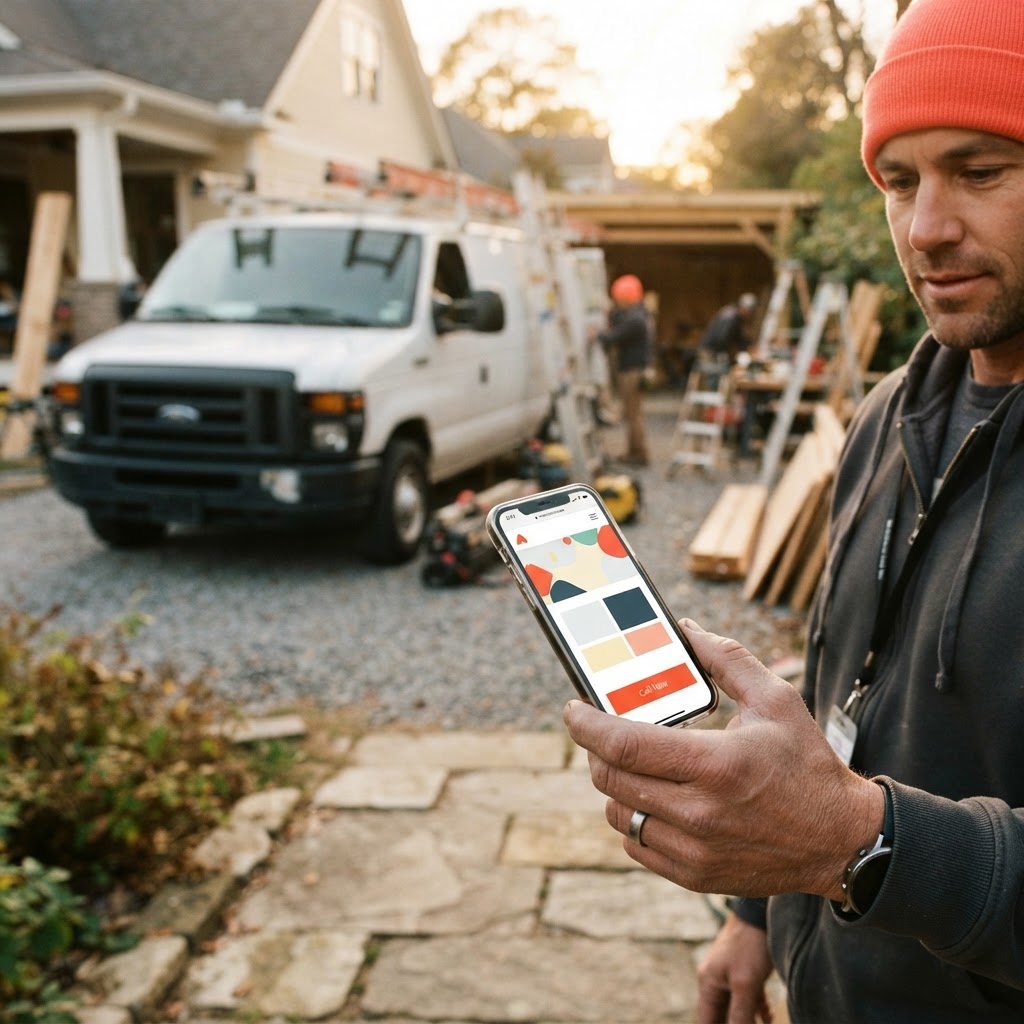
The Hidden Cost of the 'Free' Weekend Project
You’ve been there. It’s 9:00 PM on a Tuesday, the kids are finally asleep, and you’re staring at a blank screen, trying to figure out why your website’s contact form isn’t sending emails to your inbox. You started this project on a Saturday morning, thinking you’d save a few thousand dollars by using a drag-and-drop builder. Now, three weeks later, you’re still tweaking the font size on your mobile view, and you haven’t actually booked a new job through the site yet.
For a local service business owner—whether you’re running a plumbing crew, an HVAC shop, or an electrical company—your time is your most expensive asset. Every hour you spend fighting with a website template is an hour you aren’t spending on job sites, managing your team, or quoting new work. It’s easy to look at the monthly subscription fee of a DIY builder and think it’s the smart financial move, but that calculation often ignores the most important variable: your hourly rate.
Let’s look at the reality of the trade-off. When you choose to DIY, you aren’t just paying for the software; you are paying with your own labor, your own frustration, and the potential lost revenue from a site that doesn't convert visitors into callers.
The True Cost of DIY vs. Professional Help
When you compare the two paths, it’s rarely a simple matter of price. A DIY builder might cost $30 a month, but if it takes you 40 hours to build and maintain, and you value your time at $100 an hour, that 'cheap' site just cost you $4,000 in lost productivity. Conversely, hiring a professional involves an upfront investment, but it buys you a tool designed to generate leads while you sleep.
Estimated Time Investment (First 90 Days)
The chart above illustrates the massive disparity in time commitment. While the DIY route seems like a way to save cash, the professional route is designed to respect your schedule. At Video-Joy, we focus on building fast, mobile-first websites that get you back to your actual work. You can get a free preview of your business's new website to see exactly what a professional layout looks like for your specific trade before you ever commit a dollar.

Why 'Good Enough' Isn't Good Enough for Local Search
Your customers aren't looking for a beautiful art gallery; they are looking for a solution to a problem. They are searching 'plumber near me' or 'emergency HVAC repair' from their couch, usually on a phone. If your DIY site takes five seconds to load, or if the 'Call Now' button is hidden behind a menu, they are gone. They’ve already clicked on your competitor’s site.
Professional web design isn't just about making things look pretty. It’s about conversion architecture. It’s about ensuring that the moment a homeowner lands on your page, they see your phone number, your service area, and a clear reason to trust you. DIY builders give you the tools, but they don't give you the strategy. They don't know how to structure a page so that Google understands you’re the best option in your specific town.
Pro Tip: If you decide to DIY, prioritize speed and mobile usability above all else. If your site doesn't load in under three seconds on a 4G connection, you are losing more than half your potential traffic before they even see your logo.
The Maintenance Trap: What Happens When Things Break?
The biggest risk of the DIY path isn't the initial build—it’s the long-term maintenance. Websites are software. They require updates, security patches, and backups. When a plugin breaks or a security vulnerability is discovered, a DIY owner is often left searching through forums for hours, hoping to find a fix that doesn't crash the entire site.
We’ve seen countless business owners come to us after their DIY site was hacked or simply stopped working after an automatic update. The cost of an emergency recovery is almost always higher than the cost of a professional maintenance plan. When you hire a team, you aren't just paying for the site; you’re paying for the insurance that someone else is watching the store.
Comparison Matrix: DIY vs. Professional
| Feature | DIY Builder | Professional Agency |
|---|---|---|
| Initial Setup Time | Weeks/Months | Days/Weeks |
| Technical Support | Email/Forums | Direct Access |
| SEO Strategy | Basic/Manual | Advanced/Local |
| Security/Backups | Your Responsibility | Managed |
Pro Tip: Before hiring anyone, ask them specifically how they handle mobile optimization. If they talk about 'responsive design' as an afterthought, keep looking. Your customers are on their phones, not their desktops.
Key Takeaways
| Point | Details |
|---|---|
| Time Value | Your time is worth more than the cost of a professional build. |
| Conversion | A site that looks good but doesn't convert is a waste of space. |
| Maintenance | Security and updates are ongoing, not one-time tasks. |
| Local SEO | Pros understand how to get you found by local customers. |
Conclusion
At the end of the day, your website should be a silent salesperson that works 24/7 to bring in new jobs. If it’s a source of stress, a technical headache, or a ghost town that no one can find, it’s not doing its job. You don't need a fancy, award-winning design; you need a fast, reliable, and mobile-friendly site that tells customers exactly why they should call you instead of the guy down the street.
If you’re ready to stop fighting with templates and start focusing on your business, we’re here to help. You can get a free preview of your business's new website today and see exactly how we can help you get found online without the DIY headache.