Google Business Profile for Churches: The Free Tool You Are Missing

Imagine a family moves into your neighborhood on a Tuesday. By Friday, they are looking for a place to worship. They pull out their phones, type "church near me" into Google, and wait for the results. If your church doesn't appear in that "local pack" of map results, or if it shows up with the wrong service times and a photo of a boarded-up building from five years ago, you have effectively closed your doors to them before they ever had a chance to walk through.
For many church leaders, the digital world feels like a secondary concern compared to the ministry happening inside the sanctuary. But the reality is that your digital front door is now the primary way people decide whether or not to visit your physical one. The most powerful, free tool at your disposal for this is your Google Business Profile. Yet, surprisingly, many churches have never claimed theirs, leaving their online presence to be managed by outdated third-party data or, worse, leaving it blank entirely.
Why Your Church Needs a Claimed Profile
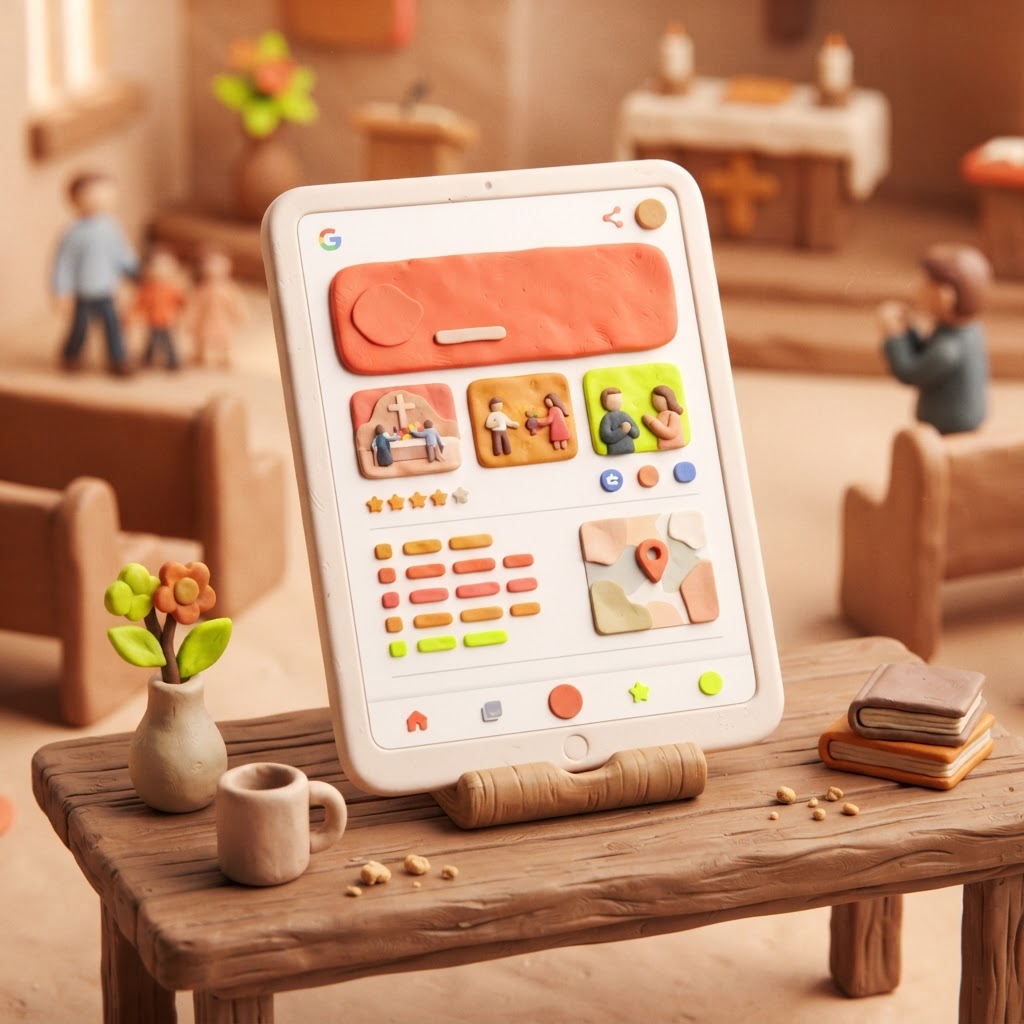
When you claim your Google Business Profile, you are taking control of the information Google displays about your ministry. Without a verified profile, Google relies on public records and user-submitted data, which are often inaccurate. A claimed profile allows you to set your official service times, upload current photos, and respond to reviews. It is the difference between looking like a ghost town and looking like a vibrant, active community.
Think of it as a digital welcome mat. When a visitor searches for you, they aren't just looking for an address; they are looking for a sense of belonging. They want to know if you have a nursery, what the worship style is, and if they will be welcomed. Your profile is the first place they look to answer those questions.

If you are worried about the technical side of things, take a deep breath. You do not need to be a web developer to manage this. It is a straightforward process of verifying your location, usually via a postcard sent to your church address, and then filling in the blanks. Once verified, you have a direct line to the people in your community who are actively looking for a church home.
The Impact of an Optimized Profile
A bare-bones profile is better than nothing, but an optimized profile is a ministry multiplier. When you add high-quality photos of your sanctuary, your team, and your community events, you are telling a story. You are showing people that your church is alive and well. The following table illustrates the difference between a neglected profile and one that is actively managed.
| Feature | Neglected Profile | Optimized Profile |
|---|---|---|
| Service Times | Missing or outdated | Accurate and updated weekly |
| Photos | None or blurry | High-quality, welcoming images |
| Reviews | Ignored | Responded to with gratitude |
| Q&A Section | Empty | Proactively answered common questions |
The data shows that engagement is directly tied to how much effort you put into these details. While every community is different, we see a clear trend in how potential visitors interact with church listings based on the quality of the information provided.
Visitor Engagement by Profile Quality (Illustrative)
Pro Tip: Use the Q&A section on your profile to answer the questions you hear most often at your welcome desk. If people always ask about childcare or parking, put those answers right on your Google profile.
Managing Your Digital Presence Sustainably
The biggest fear for most pastors is that this will become "one more thing" on an already overflowing plate. The secret is to treat your Google Business Profile as a publishing channel for content you are already creating. If you have a great photo from Sunday morning, post it. If you have an upcoming event, add it as an update. You don't need to reinvent the wheel; you just need to share what is already happening.
At Video-Joy, we often see churches struggle because their website and their Google profile are disconnected. Your website should be the hub where people go for deep information, while your Google profile acts as the signpost that points them there. If your website is slow or hard to navigate on a phone, even a great Google profile will lose its effectiveness once the visitor clicks through. We help churches build fast, mobile-first websites that make that transition seamless. If you are ready to see what a modern, effective site looks like for your ministry, you can get a free preview of your church's new website.
Key Takeaways
| Point | Details |
|---|---|
| Claim Your Profile | Verify your church location to take control of your data. |
| Keep Info Current | Update service times and contact info regularly. |
| Use Visuals | Upload high-quality photos of your building and people. |
| Engage Visitors | Respond to reviews and answer questions in the Q&A section. |
| Stay Consistent | Use your profile to share updates on events and ministry life. |
Pro Tip: Avoid "keyword stuffing" in your business name. Use your actual church name. Google prefers accuracy over attempts to trick the search algorithm.
Conclusion
Your Google Business Profile is not just a marketing tool; it is a ministry tool. It is the digital equivalent of keeping your church sign clean, your lawn mowed, and your doors unlocked. By taking a few minutes to claim and optimize your listing, you are removing barriers for people who are searching for hope and community in your area. It is a small, free step that can have a massive impact on your ability to welcome new people into your family. If you need help ensuring your digital presence is as welcoming as your physical one, we are here to help.